Switches compatible with Apple HomeKit
One of the recurring questions in the Telegram group is related to fellow readers who are doing renovation work and want to install switches compatible with Apple HomeKit at home. It’s common to buy a smart bulb, fit it into a ceiling lamp so you can turn it on/off from your phone, the corresponding voice assistant, or some automation, and then suddenly someone who doesn’t know the system, or someone by mistake, presses the wall switch, cutting power to the bulb… and of course, it no longer works.
Also, it’s not the first time a bulb is scheduled to turn on at a certain time, my wife walks by and flips the switch, cutting the power… and obviously it doesn’t turn on, so she flips the switch several times and kindly explains to me that she doesn’t much like this system, that she’s not going to grab her phone just to go to the bathroom, and that I’d better get rid of all my crap before she does it herself. More or less the idea is clear, give or take an insult xD
Identifying the current problem
The first problem is already identified… smart bulbs work great as long as nobody touches the switch. But switches always get touched, whether by someone at home who doesn’t have their phone on them at that moment, or by kids, or by guests… or by anyone really. We’re used to a switch turning on the light, so not finding said switch, or touching it and having nothing happen, feels weird and awkward. The solution also seems easy: replace the switches with ones compatible with Apple HomeKit, which are surely also much nicer looking, with LEDs and cool stuff… well, it’s not that easy, because the number of compatible switches is very, very, VERY small. None of the usual brands like Legrand or Simon have jumped on the bandwagon yet, and according to Rafa, it doesn’t look like they will anytime soon, since they have their own home automation platform.
Following the trend of recent posts, we have a cheap and functional solution, and an expensive, super fancy one, which is what most of us end up choosing xD Let me tell you about both:
Switches compatible with Apple HomeKit
The affordable and reasonable solution: Shelly 1
We have the option of fitting a Shelly 1 (which, as we already saw, can be flashed to be compatible with Apple HomeKit). This way, we keep our original switches and install the Shelly behind the switch or in the junction box. Shelly acts as a smart relay, so if someone presses the switch, Shelly will send the bulb the signal to turn on… and if someone presses it again, it will send the off signal, but all this without ever cutting power to the bulb, meaning it will be possible to turn it on from your phone/voice assistant/automation as well as from the conventional switch.
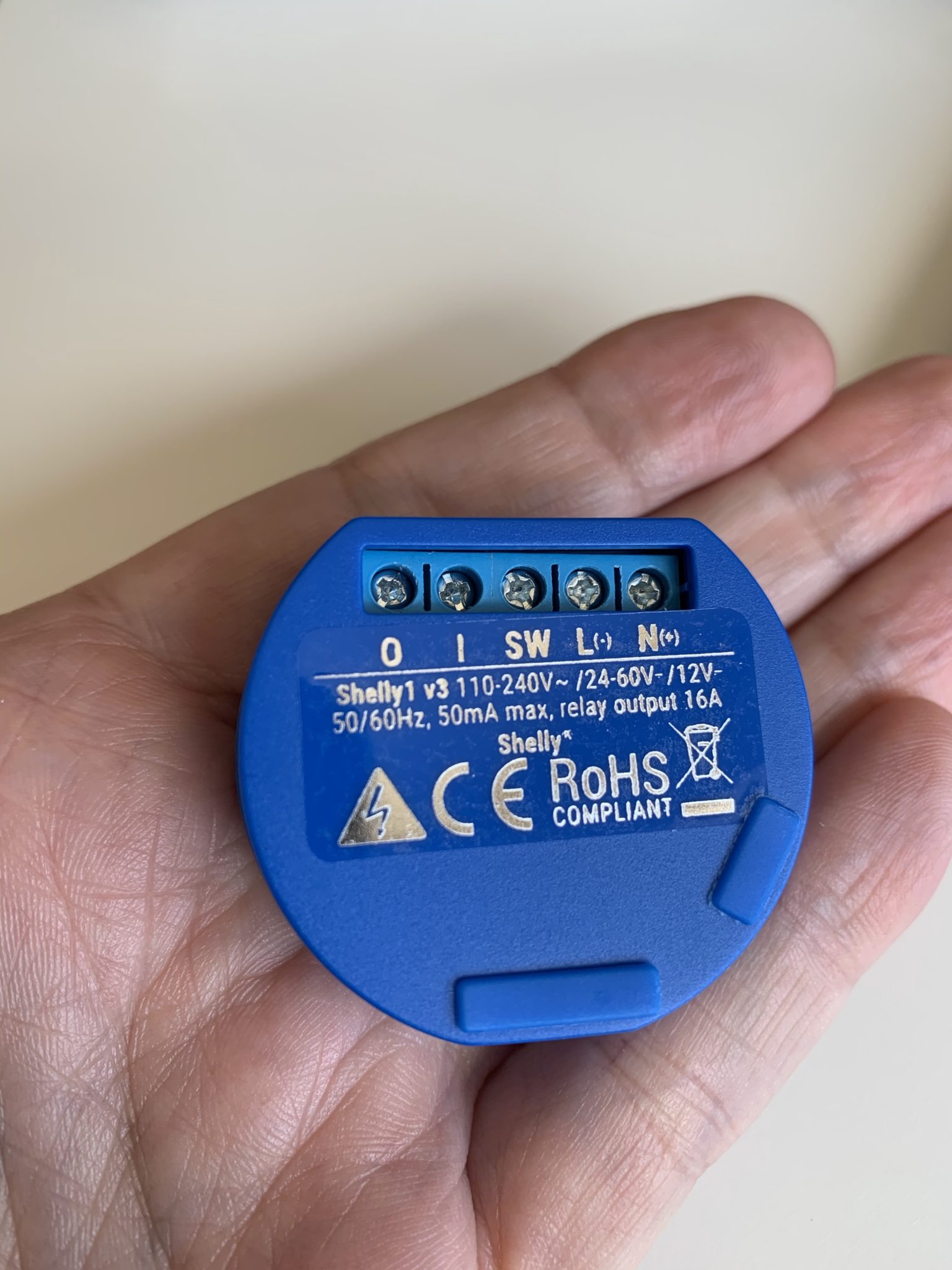
Another advantage of Shelly is that we can keep the original bulbs, they don’t need to be smart bulbs, since we’ll be automating the turning-on process. On the downside, we’ll lose some functionality, like being able to turn them on in a specific color, tone, or intensity… for example, if I get up to go to the bathroom in the middle of the night, pressing the wall switch will turn the lights on as usual, whereas with smart bulbs I can create a rule to turn them on at 50% or only turn on half the bulbs if it’s between midnight and 8:00 AM the next day, regardless of the method chosen to turn them on (conventional switch, command to the Shelly from the phone, or automation).
Each Shelly costs around €12 buying directly from https://shellyspain.com, and you even save on shipping if you buy a few, so the investment isn’t crazy and the result is fully functional and satisfying.
The expensive… but cool solution!
In my case I decided to replace the switches with more modern ones since the ones I had were pretty old. Also, some of them weren’t working properly, so I decided to make the investment and replace them. I went looking for switches compatible with Apple HomeKit and only found some Koogeek ones that aren’t manufactured anymore 🙁
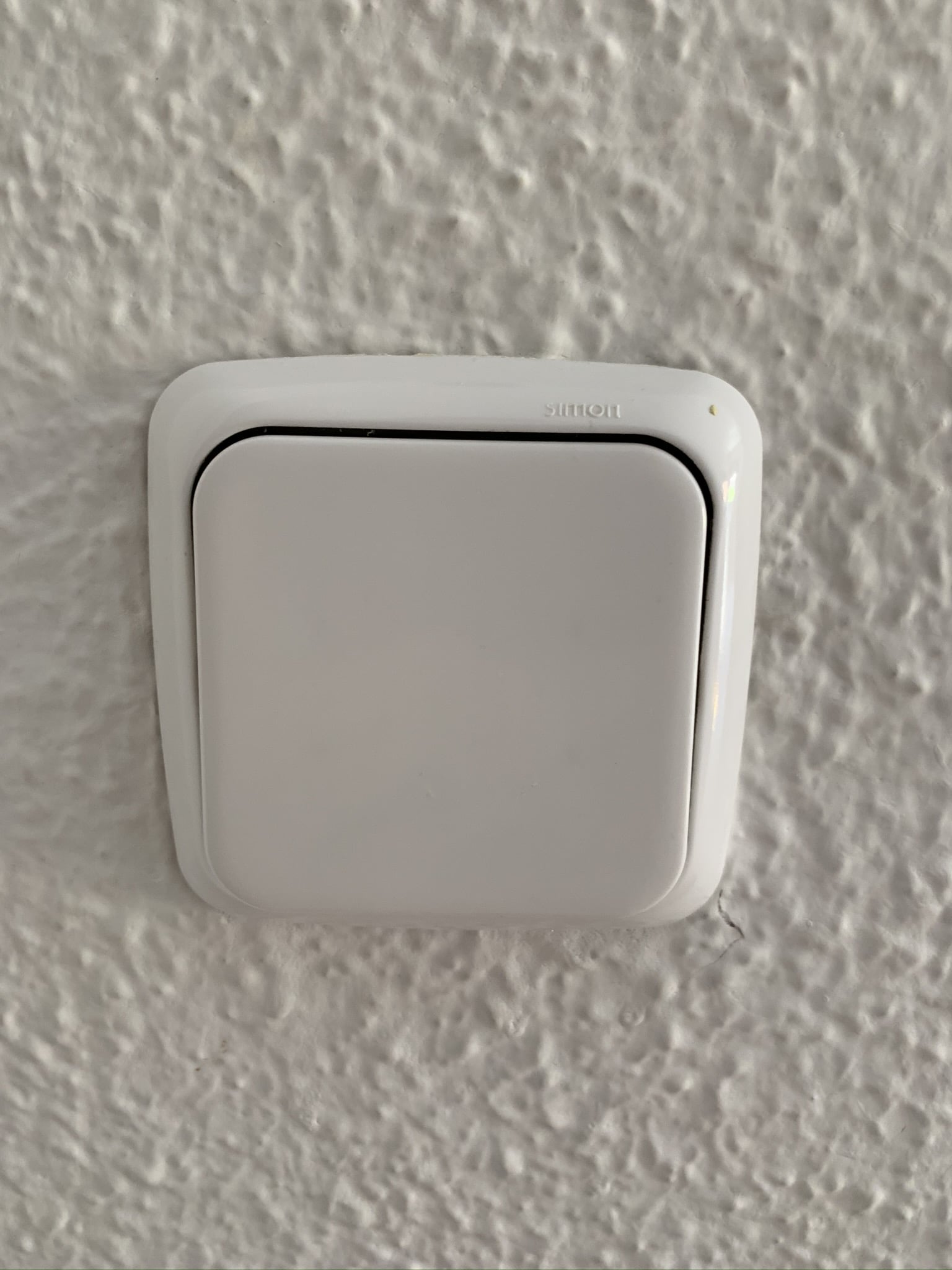
As I’ve mentioned before, the bulbs in my house are Philips Hue, so I went looking for switches directly compatible with Philips Hue. After all, I don’t really care whether they’re HomeKit compatible if the switch interacts directly with the bulb, right? I don’t need the switch to show up in the Home app to do anything with it. So I went to the Philips Hue compatible accessories page (Friends of Hue), but there are no switches to be found anywhere there!
Searching on Google, you do find some brands with switches compatible with Philips Hue, for example this one from Senic at the modest price of €70, or these from Vimar, which cost around €80.
It’s not like I live in a castle with an east wing and a west wing, but as you know I have 4 kids and a big flat so they can roam around without bothering each other, so if I have to spend €70 to replace every single switch in the house, considering some rooms have up to 4… well, that adds up to a fortune. So that option was ruled out.
But the solution was closer than it seemed, because as we’ve mentioned before, I have the Aqara hub with some sensors, which are cheaper than other brands and compatible with HomeKit since the Aqara hub is HomeKit compatible, so I went and did a bit of digging… and bingo, Aqara makes switches! What’s more, it has 2 types of switches, the typical wired ones to replace conventional switches and others similar but for surface mounting, so in rooms where you need an extra switch, you can stick it to the wall with double-sided tape, screws, or just place it on a bedside table, the headboard… wherever you like.
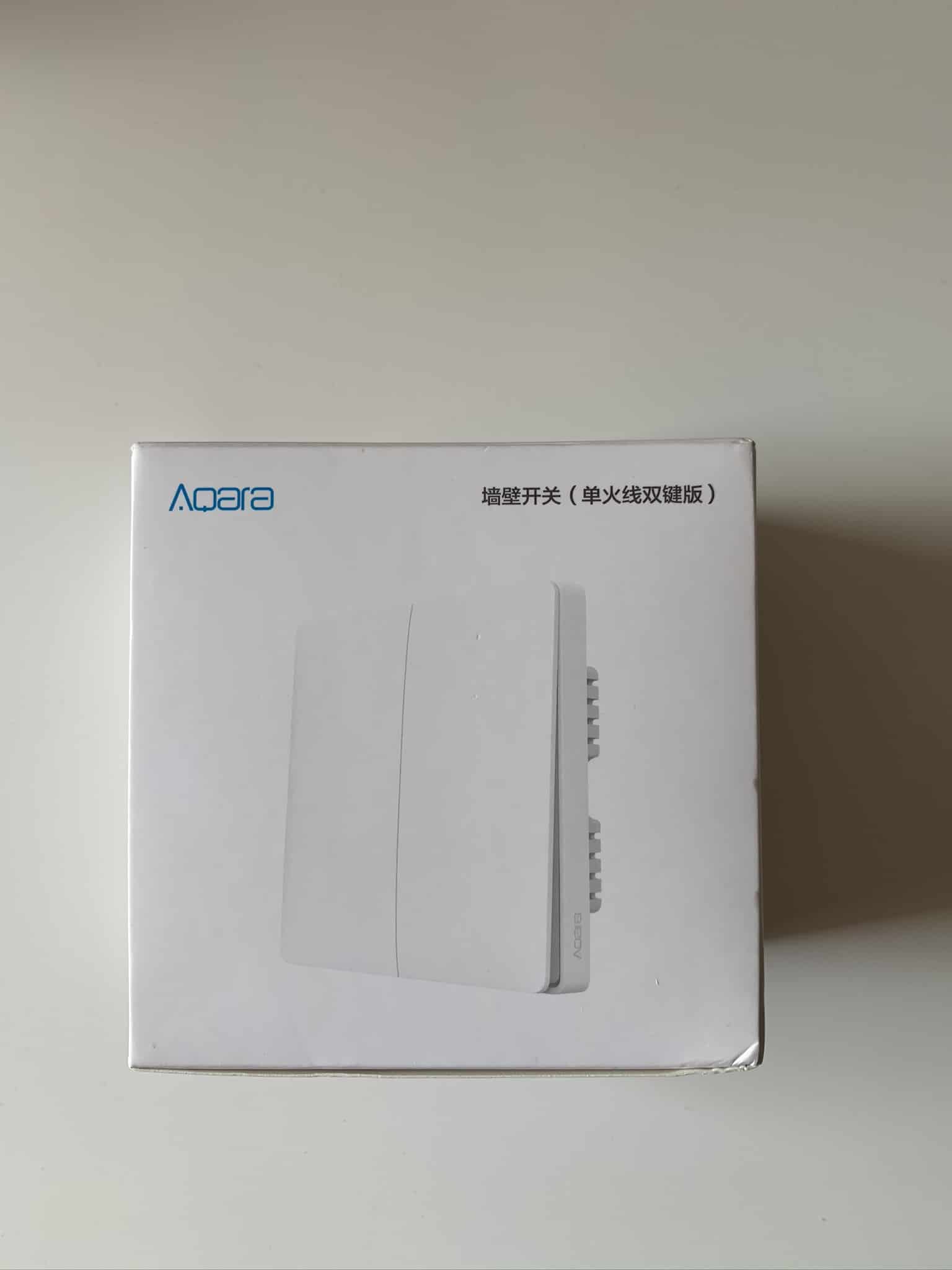
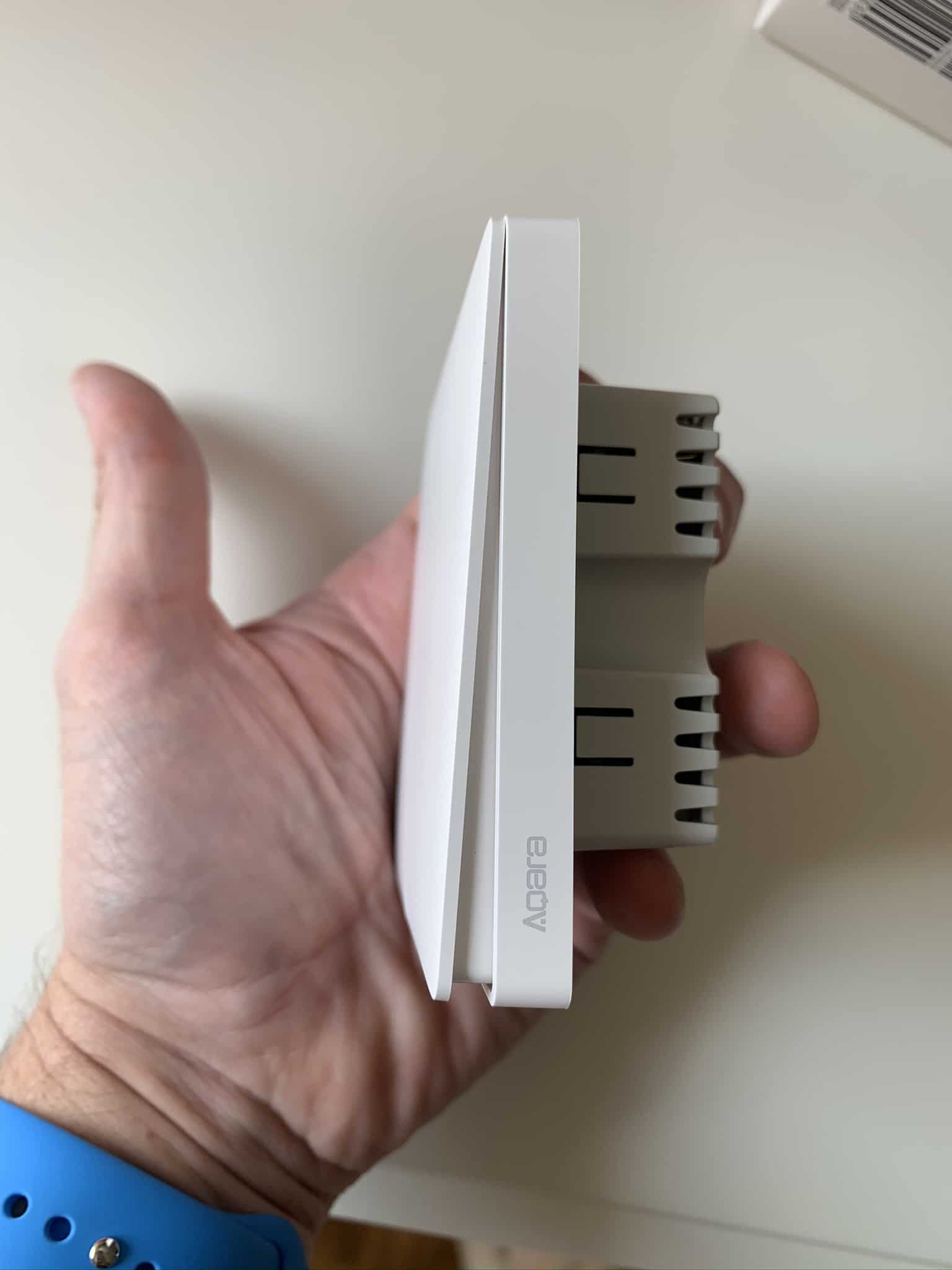
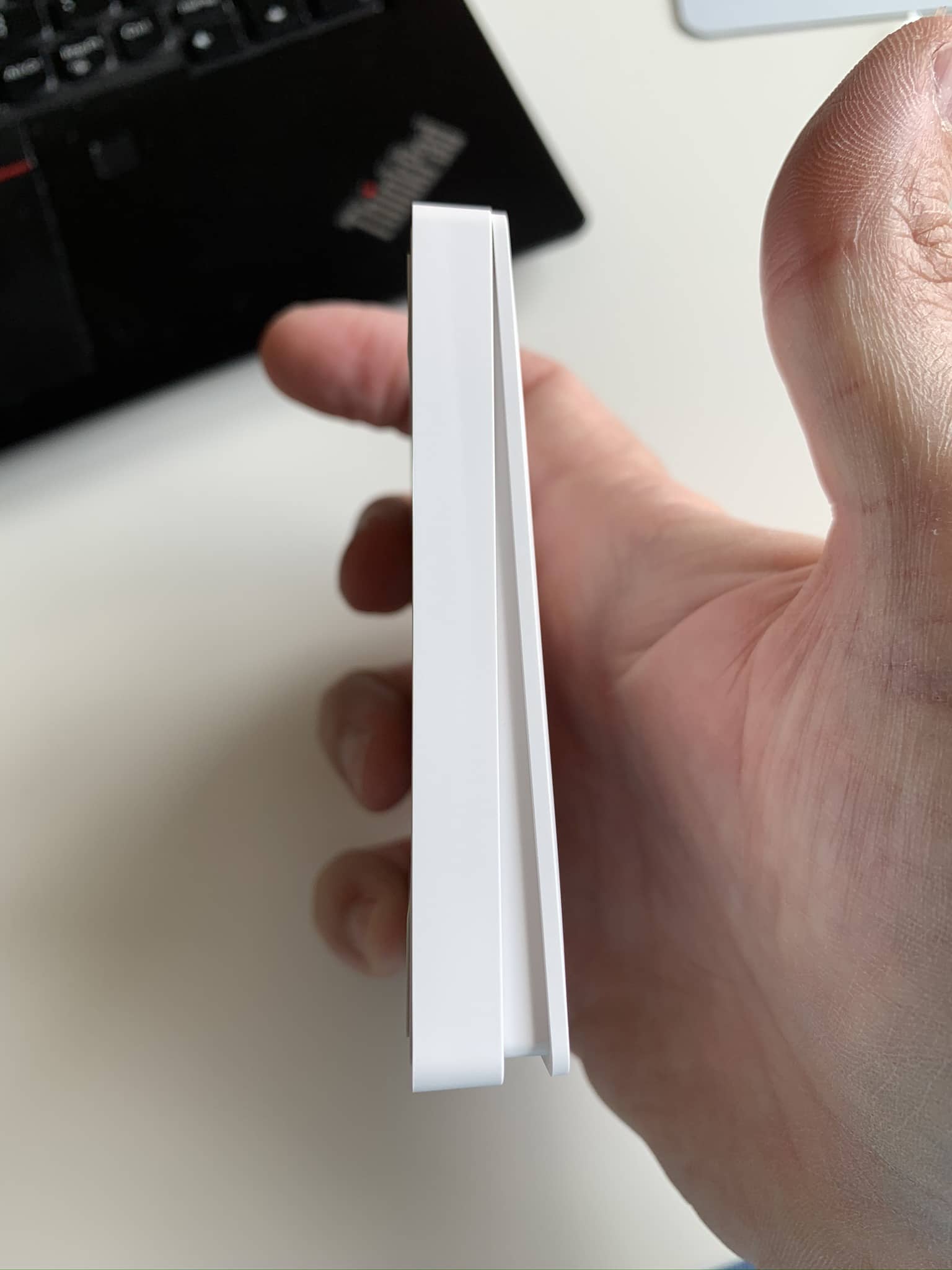
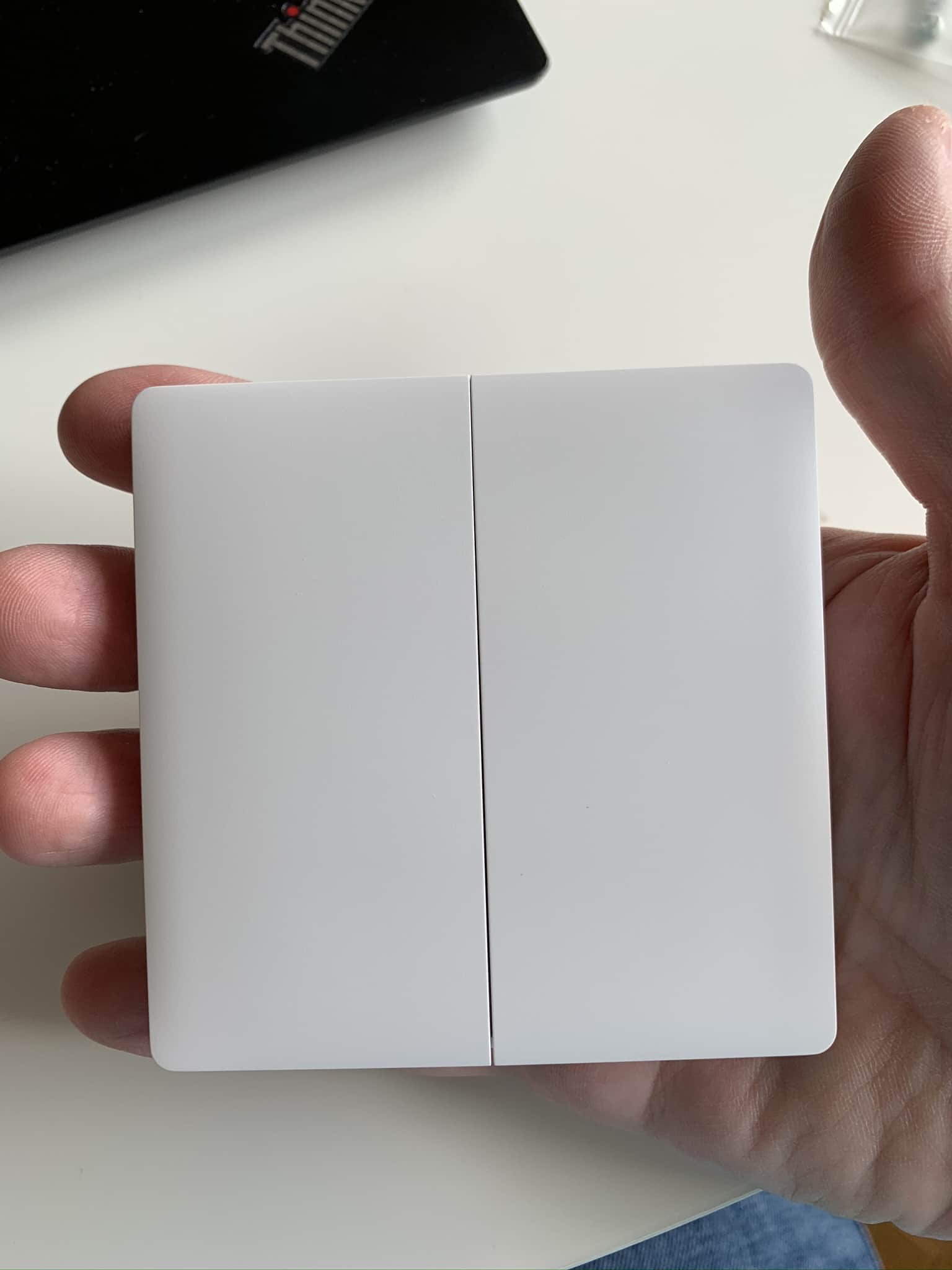
These switches have a fixed position, meaning they don’t stay up or down but instead ‘spring back’ to position after you press them. Also, they have 3 different press types, so you can create a rule for a normal press, another for a ‘double click’ or double press, and yet another rule for a long press (the classic press-and-hold). Let me keep telling you how the experience has gone.
Installation and setup
Once you’ve figured out how many wired ones you need and how many surface-mounted ones, you need to think about the rules you’re going to create. For example, I bought all the double-switch versions for the bedrooms, so from the door you can turn on the ceiling light, the bedside lamp (in my house we’re not big fans of ceiling lights, in fact in the living room we don’t even have the typical hanging lamp)… or both, of course. And naturally, turn them off too.
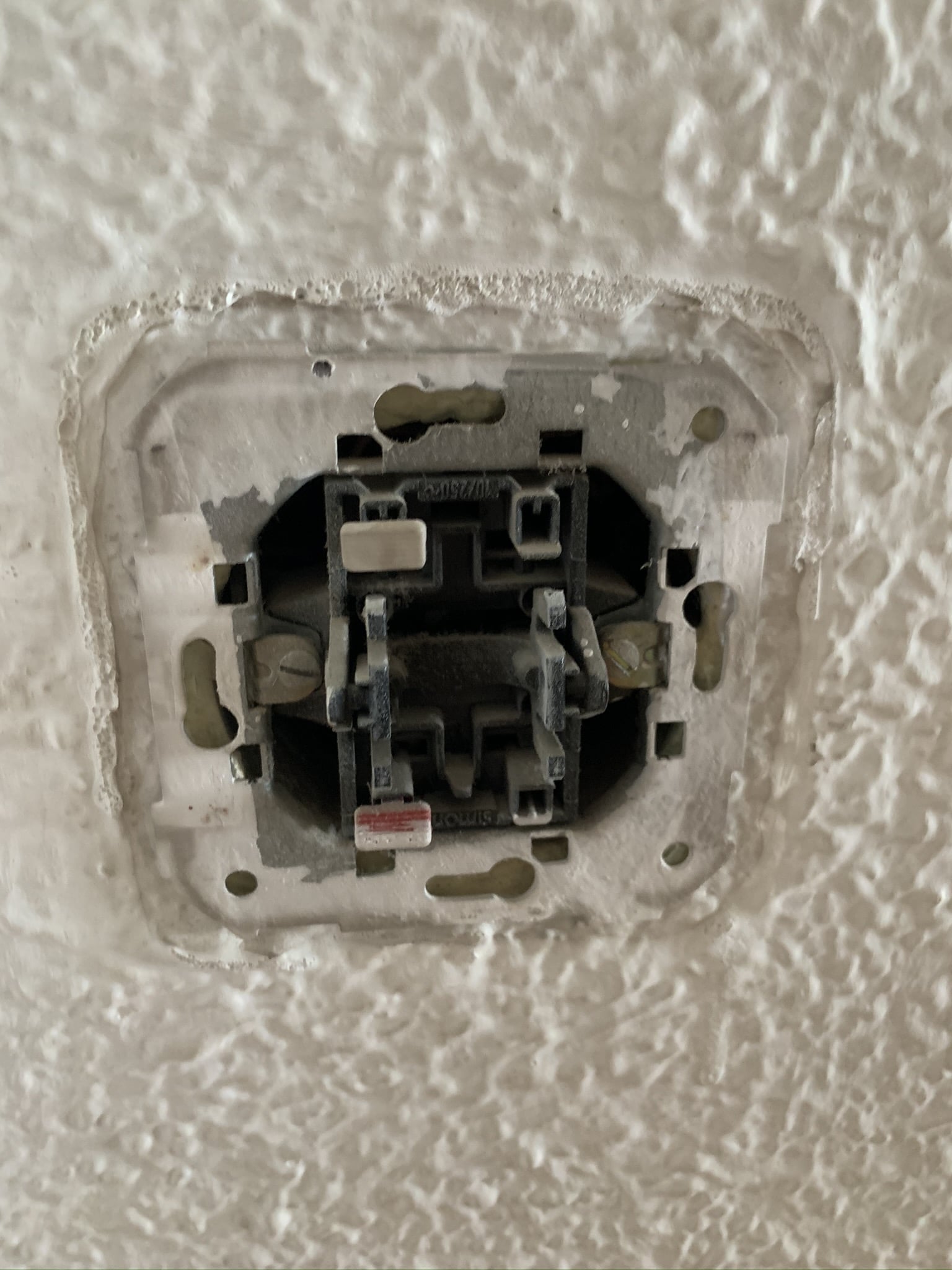
The wired switches were very simple to install, you just have to replace the original with the Aqara one and connect the wires following the instructions (there are only 3, don’t worry). The process is very straightforward.
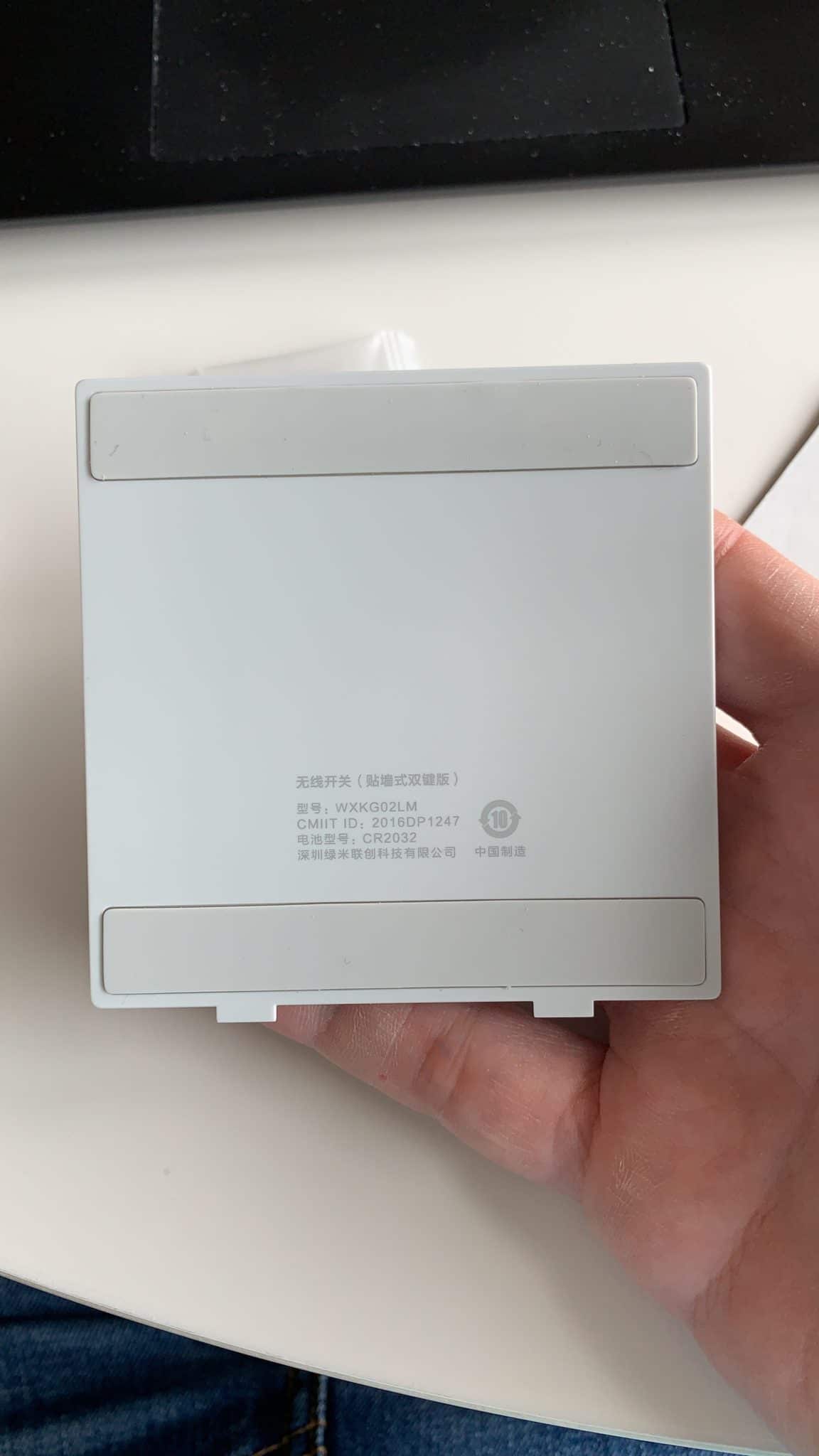
Installing the surface-mounted switches is basically nonexistent, you basically just have to decide where you’re going to put it. In some cases it actually came in really handy, because I had a switch hidden behind the headboard or a shelf, so in those cases I was able to place the Aqara switch to get around the obstacle.

The ceiling fans with light
Last summer I bought some ceiling fans with light that come with a small remote to change the speed or turn on the light. The problem is that the light is turned on from this remote, and if you press the wall switch it cuts the power… but then you can’t turn the light on! You can press the switch several times and eventually it ‘resets’ the light’s state and turns it on, but you look a bit obsessive-compulsive flipping the switch several times until it turns on… and I’ve already told you what my wife’s temper is like, so when I told her ‘Don’t worry, honey, if you turn the switch on and off really fast 6 times, the state resets and the bulb turns on,’ her response was ‘…you’re kidding, right?’
The solution was to fit the fan with a smart bulb and rig a bridge so the circuit (the bulb) is always powered on, so that from the Aqara switch I send the signal to turn it on/off, while the fan itself keeps working as normal. I know it sounds silly, but we solved the fan’s weird behavior in a very simple way and managed to turn the bulb on from the wall switch no matter what mode the fan is in.
The HomeKit rules
As you know, I use the Home+ 4 app, so that’s where I have all my rules set up. Some folks from the Telegram group told me you can now create conditions in Apple’s Shortcuts app, which would save us from buying the pricey Home+ 4 (currently €16), but from what I’ve seen it’s quite complicated to build these conditions there, whereas with Home+ 4 everything is very visual, so I’ll probably try migrating a few and tell you about it in a new post… but I think I’ll keep using Home+ for this kind of thing.
You also need to keep in mind that, as silly as it sounds, you have to create one rule to turn on and another to turn off… and if, for example, you want the bulbs to only turn on at 50% at night, or only turn on half the bulbs, you’d need to create yet another rule with that condition, since conditions don’t support a typical ‘if/else’. That said, the turn-off rule is always the same, you only need to create it once.
For a double switch, the rules with conditions I’ve created are these:
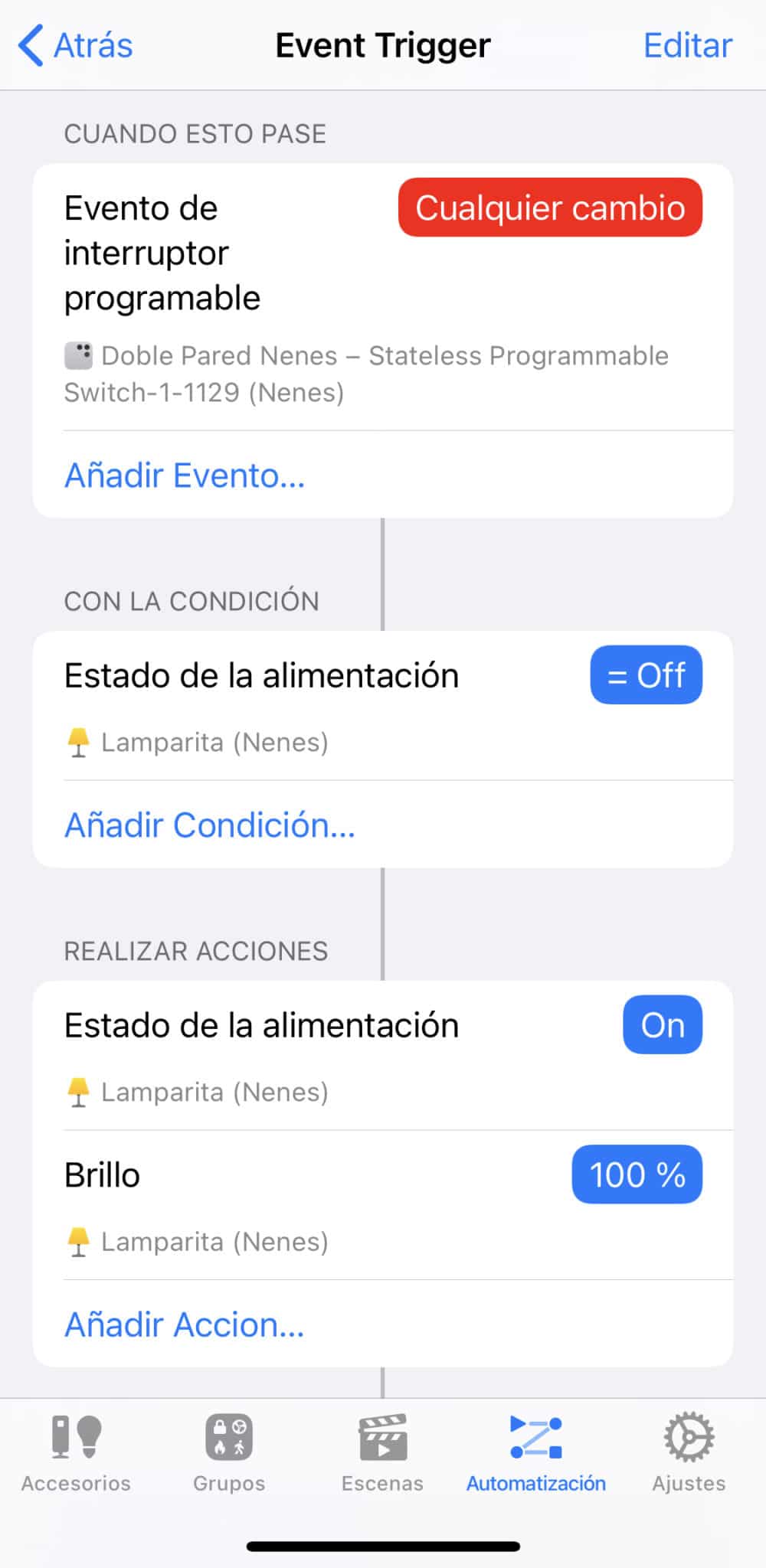


Keep in mind that these rules are independent from any others you might have, so if you have, as in my case, a Hue or Aqara Smart Button to turn on the bedside lamp instead of using its own switch that cuts power to the bulb, it’ll keep working independently as if nothing changed.
In conclusion, I don’t regret the change at all, switches compatible with Apple HomeKit have given us lots of possibilities we didn’t have before. People who want to keep using the push-button switch can do so without any issues, but if, say, someone leaves a light on when we’re about to leave the house (very common with my kids), the lights turn off automatically when we all walk out the door. I also like that when someone gets up at night, they don’t turn on lights like it’s a football stadium; instead, the lights come on at 50%. Of course you can ‘double click’ the Aqara switches to set the light to 100% if you really need to, but so far I’ve never needed to.