You’re not going to believe what’s happened to me. As you know, most of my house has Aqara switches compatible with Apple HomeKit, which means I don’t have to worry about accidentally cutting power to a smart bulb, and on top of that I can create scenes and automate things based on conditions and parameters.
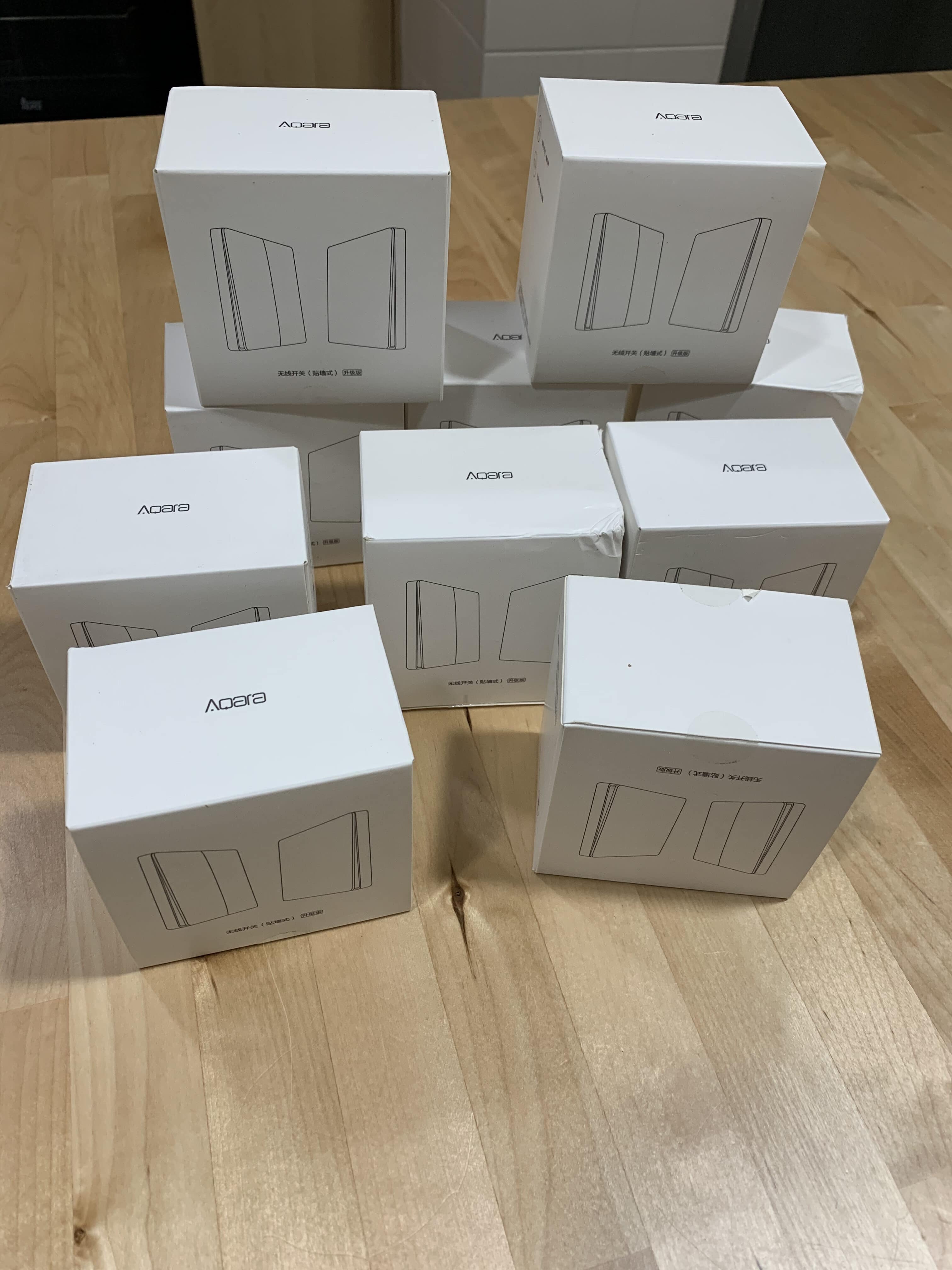
Since these switches aren’t too expensive but I needed a lot of them, I decided to make the investment in phases, so I bought the first batch for the bedrooms and the hallway, let’s call it the «east wing» of the house… and I still had to buy the ones for the dining room, bathrooms and kitchen, let’s call that the «west wing» or «common areas.»
Well, when I went to buy them… they were no longer available! They’d been discontinued!!
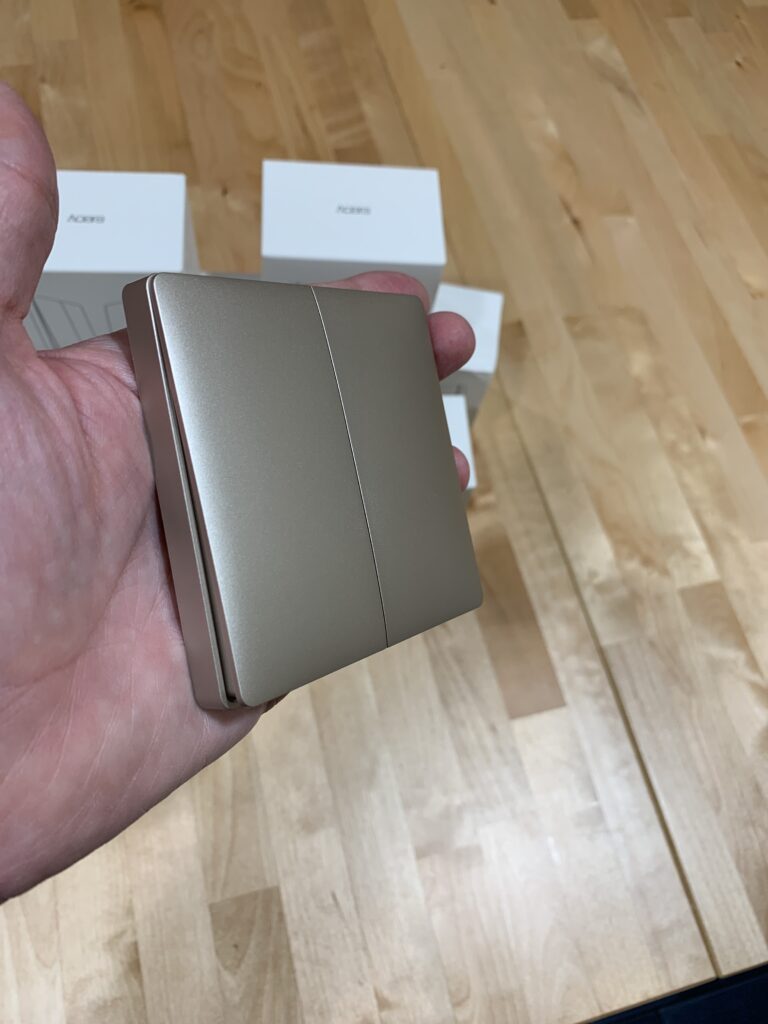
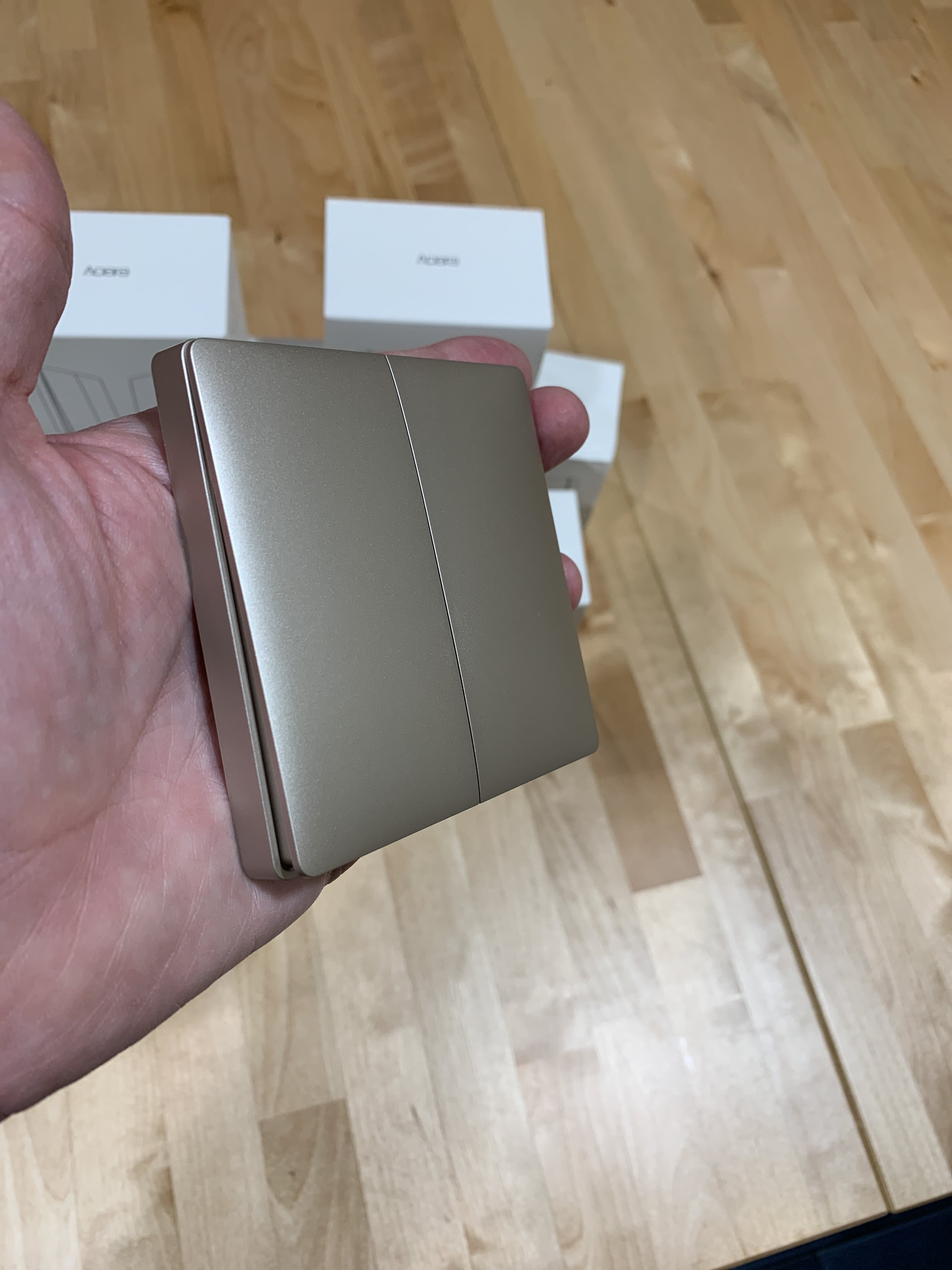
Of course, you can imagine the drama… my wife doesn’t want half the house with conventional switches and half with Aqara switches… the new model is more expensive and comes in gold, which apparently suits the furniture and decor of the house MUCH BETTER (according to my wife)… the previous Aqara model and the current gold one can coexist without any issue, but… have you noticed the new one has a slight curve to it? How are you supposed to have some in curved gold and others in plain flat white?!
So, you can already guess what happened next:
Nuevos interruptores Gold de Aqara compatibles con Apple HomeKit
I should mention I’ve learned several things over these past months, which I’ve sorted out with this second batch of switches:
– Double switches: these are great for the bedrooms, since they let me turn on both the table lamps and the ceiling light from the doorway. Before, I had a single switch at the entrance replacing the original functionality, which was just turning on the ceiling light.
Nuevos interruptores Gold de Aqara compatibles con Apple HomeKit
For the table lamps, I use smart buttons, as we’ve mentioned before, so I can automate when they turn on and at what brightness… so besides those automations, I’ve now set it up so that pressing the first button on the entrance switch turns them on at 60%, a «double click» turns the lamp on at 100%, and at night they turn on at 30% in case someone gets up to go to the bathroom or something.
Lessons learned
– They’re not perfect, not even the double ones: We’re used to conventional double switches, and sometimes we want to turn on every light like we’re lighting up a football stadium, so we press both buttons on the switch at once. You can’t do that with the Aqara ones; in fact, if you press both buttons at the same time, absolutely nothing happens… it doesn’t turn on the bulbs linked to either the first or the second button, as if there’s some kind of collision or it enters a special mode. It doesn’t even work if you press the first button and quickly follow it with the second one — you need to leave a second’s gap between them. I find it pretty curious and I’ll look into it in case it’s some kind of «virtual button» that needs its action automated separately, though I haven’t read anything about it so far.
– You have to keep an eye on the batteries: Yes, they run on a coin-cell battery. There are two different models: the wired one, which directly replaces the original switch (careful, the European box is small, so you’ll need to enlarge it a bit with a Dremel or a hammer), and the wireless model, which is the one I have — with this one, you just need to cap off the switch’s wiring with some cream so it stays permanently live, and the Aqara unit covers the hole.
The good thing is that the low-battery alert works fine with Apple HomeKit, so in the Apple Home app or any other compatible app, we’ll be able to see which switch is running low on battery and replace it before it stops working.
As you can imagine, this switch is much easier to install than the wired one, but on the downside, if the Wi-Fi goes down (GOD FORBID!!!), we won’t be able to turn the lights on, whereas with the conventional switch that would still be possible. Yet another reason to upgrade your home Wi-Fi by installing a Mesh router.
– Occasional small delays: It barely ever happens, maybe once a month at most… but sometimes you press the switch and it seems like the light doesn’t turn on, so the natural reaction is to press it again. Actually, that’s not what’s happening — it’s because every once in a while there’s a small network delay… I’ll look into why. We’ve already learned that if we press it and it doesn’t turn on, we just need to wait (a couple of seconds at most) and the light will come on.
– Watch out, Aqara can replace and drop products from their lineup at any time!: No comment, because I’ve gone and done the exact same thing again — I haven’t bought all the switches at once, only enough for half the house. I’ll have to hurry up just in case, but obviously Aqara isn’t a traditional manufacturer like, say, Legrand, which keeps its design lines going for 20 years… maybe in a while I’ll have to consider switching over to a proper old-school manufacturer that’s HomeKit compatible, like the aforementioned Legrand
¿Necesitas ayuda con tu domótica?
Te ahorro tiempo, dinero y disgustos. Sesiones de consultoría desde 60€.
 Of course, you can imagine the drama… my wife doesn’t want half the house with conventional switches and half with Aqara switches… the new model is more expensive and comes in gold, which apparently suits the furniture and decor of the house MUCH BETTER